
Publishing Workflow — How Content Goes Live in SGEN
Publishing in SGEN is always an explicit action — content stays in draft state until the operator deliberately publishes it. This guide covers the full path: from authoring in the admin or SG-Builder, through the atomic publish action, to the live site updating and an audit log entry recording the event. A staging-to-live promotion variant adds a second gate when the site uses staging environments.
Explicit, not automatic
Saving content never publishes it. Publishing requires a deliberate publish action from the operator — keeping the live site predictable.
Atomic every time
A publish either fully succeeds and the live site updates, or it fails and nothing changes. No partial-publish states exist.
Full audit trail
Every publish event is logged — timestamp, operator, record identifier, and before/after state — so the team always knows what changed and when.
Where publishing starts
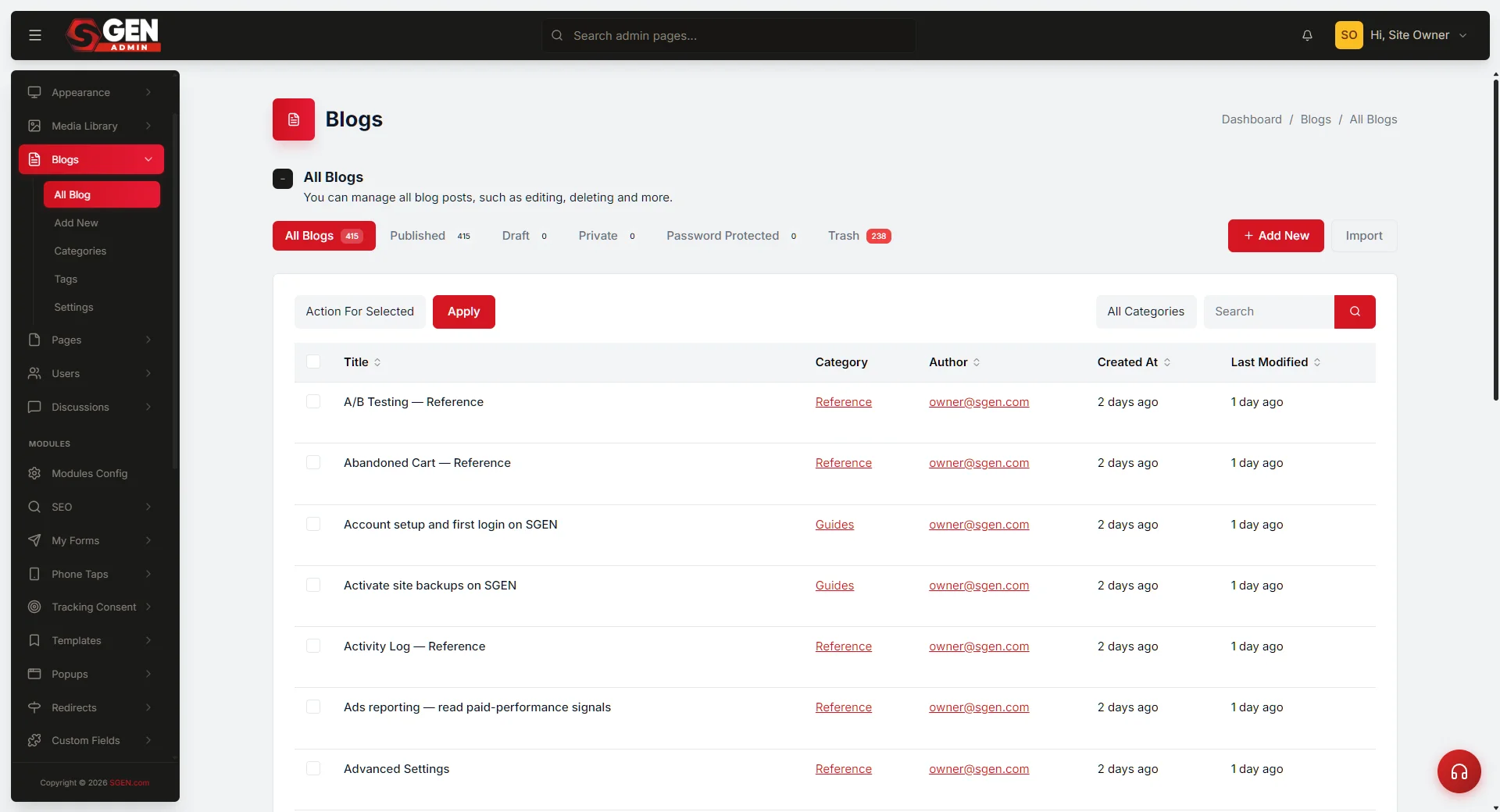
The publish action is available from two surfaces depending on the content type. For most record types, the operator publishes from the SG-Admin record edit screen. For pages and posts with visual composition, the publish button lives at the top of the SG-Builder editor canvas.
SG-Admin
Record-level publish
Pages, Posts, Products, and Custom Objects each carry a Publish button on the record edit screen. The record transitions from draft to published state directly from this surface.
SG-Builder
Canvas-level publish
When the record uses visual page composition, the Publish Changes button sits at the top of the SG-Builder editor. Clicking it commits all pending edits and transitions the page to its live state.
What happens when you publish
The publish action runs in four steps. Each step must complete before the next begins — that is what makes the transition atomic.
1
Pre-publish validation
The platform checks that required fields are populated, structural constraints are met, and the operator has permission to publish. If any check fails, the publish does not proceed and the operator sees which field or condition blocked it.
2
Atomic commit
All pending edits are committed in a single operation. Either the full set of changes lands, or none do — no partial state is left on the live site.
3
Live site updates
The public render path immediately serves the new version. Visitors see the change on the next page load.
4
Audit log and version history
The platform records the publish event — actor, timestamp, record or page identifier, before-state and after-state. Version history updates and rollback becomes available for the published state.
Staging-to-live promotion
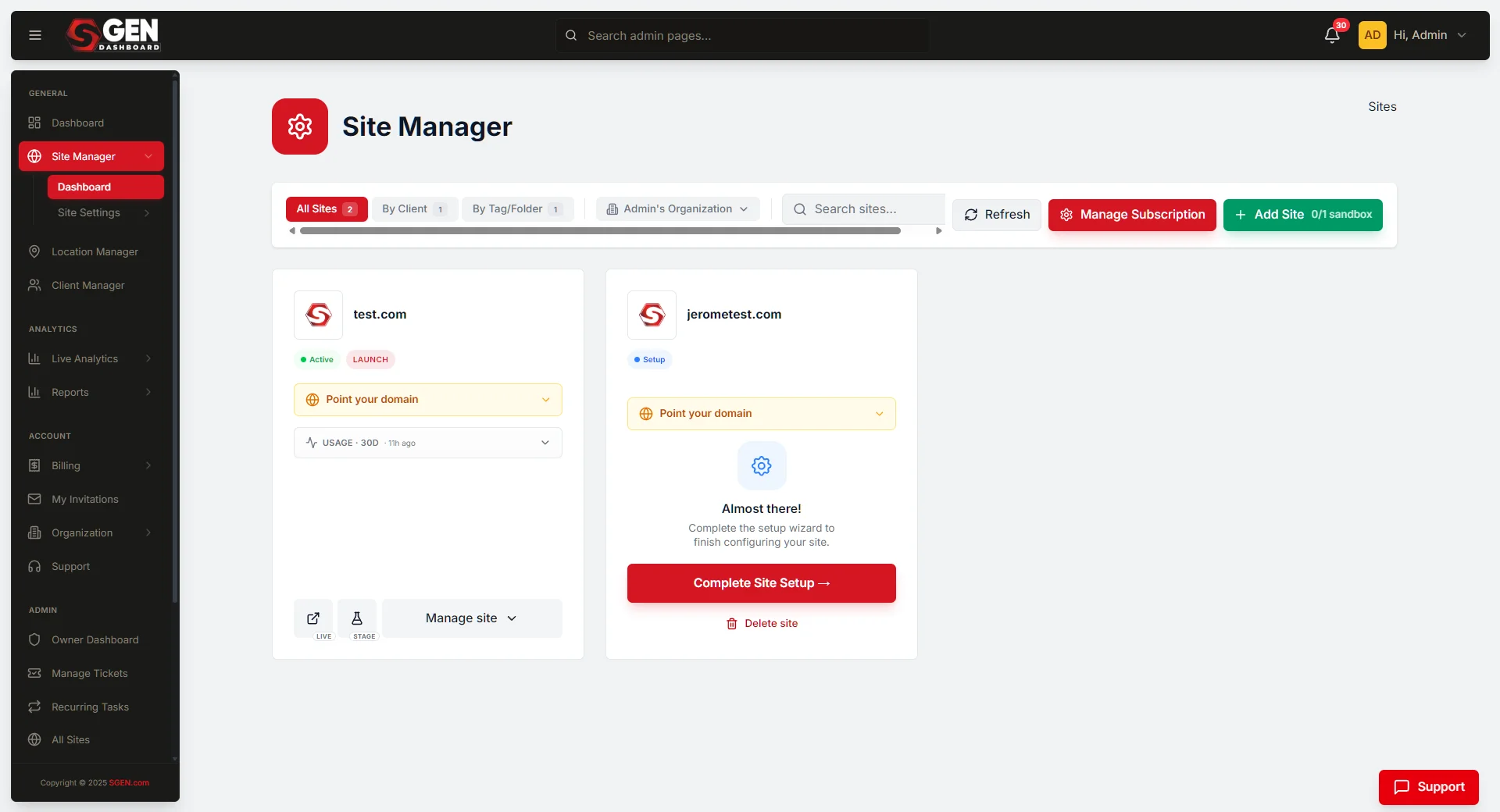
Sites with staging environments enabled follow a two-step path. The first publish lands on staging. Promotion to live is a separate, explicit action — giving the team a chance to review the staged result before visitors see it.
Publish to staging first
The operator publishes from the admin or SG-Builder. The change appears on the staging URL, not the live site. The team reviews the staged result — layout, content, links — before any visitor sees it.
Promote to live as the gate
Once staging looks correct, the operator triggers the promote-to-live action from the Site Manager. Promotion follows the same atomic shape as a direct publish — all or nothing, immediately reflected on the live site.
How it plays out in practice
Three common scenarios that cover most publish situations.
Scenario
Publishing a new blog post
The editor at Your Store authors the post in SG-Admin → Blog, opens it in SG-Builder, composes the layout, and clicks Publish Changes. The post is live at the public URL. The audit log records the event with the editor's name and timestamp.
Scenario
Promoting a redesign to live
The Your Store team publishes a redesigned homepage to staging. They review it on the staging URL. Once the team confirms the design is correct, the operator clicks Promote to Live — the live site updates, the staging gate preserved control of the visibility moment.
Scenario
Blocked by validation
The operator clicks publish on a record missing a required field. Pre-publish validation surfaces the missing field and the publish does not proceed. The operator fills the field and clicks publish again — it succeeds.
Scenario
Scheduled publish
The operator sets a publish timestamp on the record. The platform auto-fires the publish action at the scheduled time — the same atomic transition, with an audit log entry recording the scheduled actor and time.
Key terms
The publish workflow uses a small set of precise terms. These definitions carry across all surfaces.
Draft
The unpublished editor or record state. Changes in draft are not visible to site visitors.
Published
The live, visitor-facing state. The record or page is publicly accessible at its URL.
Publish action
The explicit operator action that transitions a record or page from draft to published. Never triggered automatically by saving.
Staging-to-live promotion
The two-step variant where a publish goes to staging first, then an explicit promote action moves it to live.
Atomic transition
The property that a publish either fully succeeds or fully fails. No partial states exist on the live site.
Heads up Saving a draft never publishes it. If a change is not showing on the live site, confirm the publish action was completed — not just saved.