
Content Update Workflow
The content update workflow is the everyday editorial cycle in SGEN. Open a record in SG-Admin, edit it in place or hand off to SG-Builder for visual changes, then re-publish. One cycle. The updated content is live.
Iterative by design
The same record can go through this cycle many times. It is short, focused, and repeatable — built for the everyday editorial pace.
Two edit modes
Structured fields (title, price, body text) stay inside the admin. Visual layout changes hand off to SG-Builder — same cycle, different edit surface.
Audited at every step
Every re-publish appends to the audit log and version history. The live site, sitemap, and notifications all update automatically.
Where content updates start
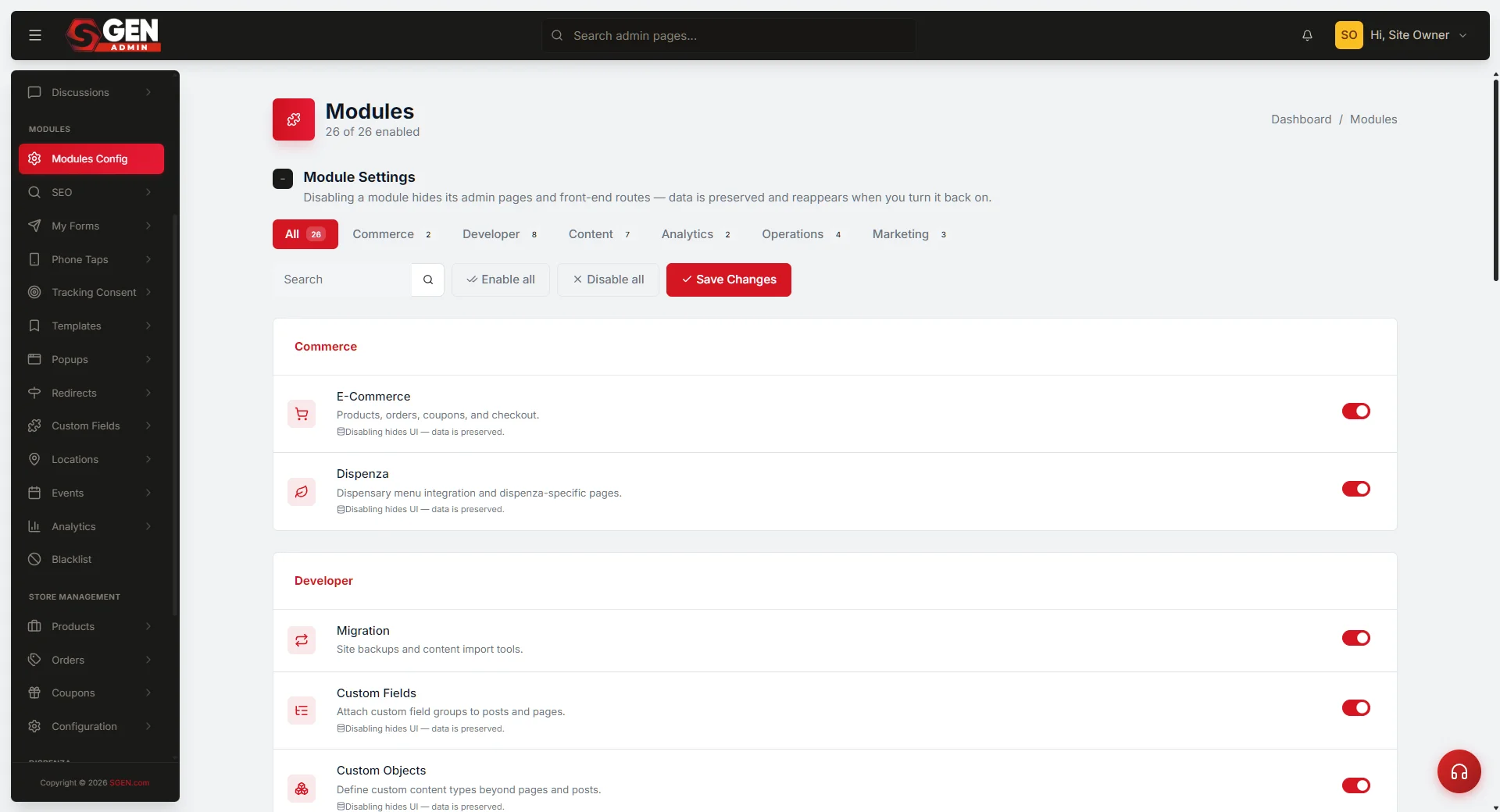
Every content update begins in an SG-Admin module. Open the relevant module — Pages, Blog, Products, or any other area — scan the record list, and click into the record that needs updating. You can also reach an editable record from the public site if you are logged in and the "Edit this page" link is active.
Access
SG-Admin record list
The primary entry point. Navigate to the module that owns the record, scan the list, and click the record name to open the edit form.
Access
Public site (logged in)
When you are logged in and visiting the live page, the "Edit this page" link takes you directly into the record — no admin navigation needed.
Edit in place or open in SG-Builder
Once the record is open, choose the edit path that matches the change. Structured field edits stay inside the admin. Visual composition changes hand off to SG-Builder. Both paths end at the same re-publish action.
1
Open the record
In the relevant SG-Admin module (Pages, Blog, Products, etc.), click the record name. The edit form opens with the current content loaded.
2
Choose your edit path
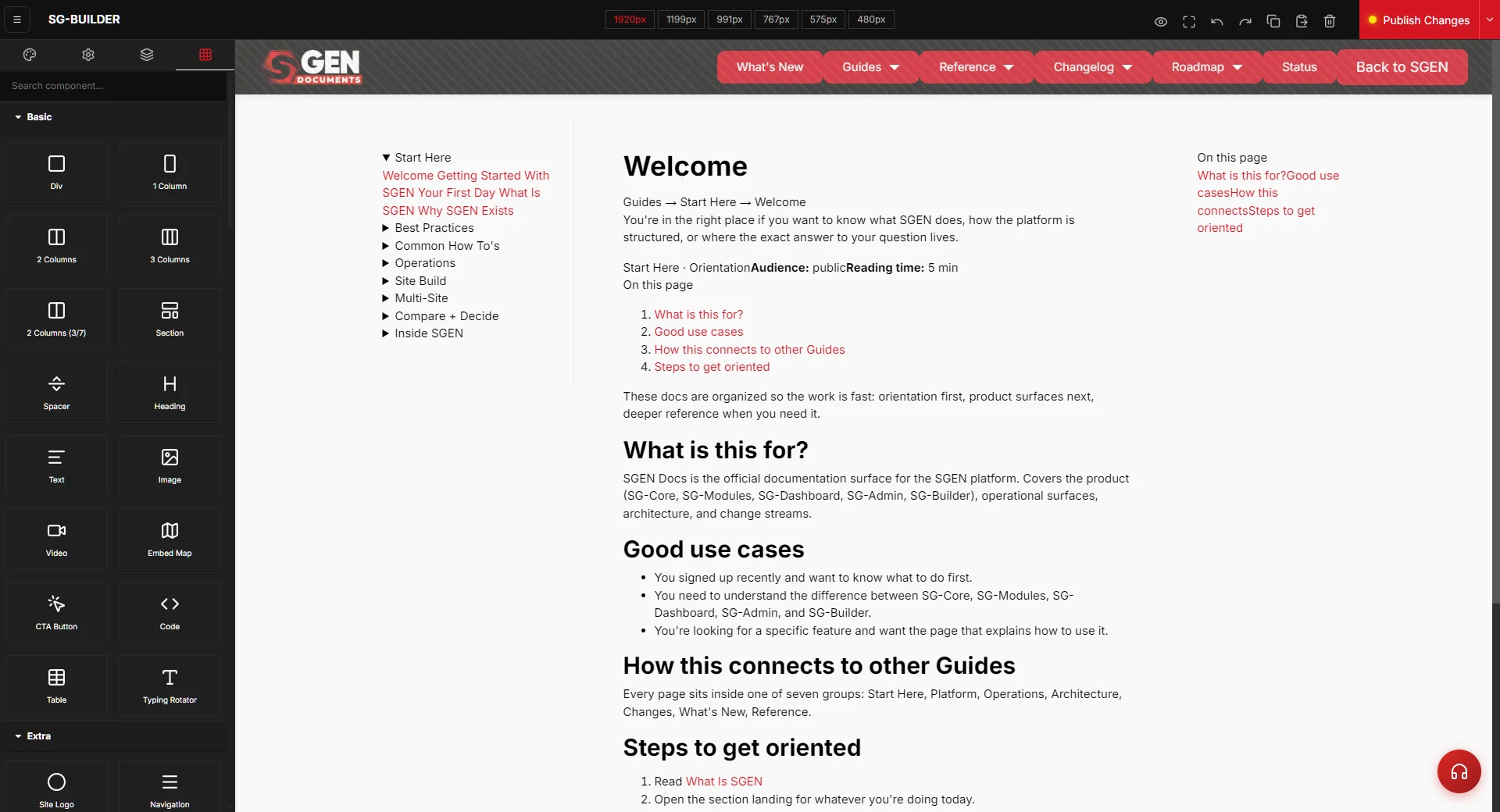
For structured fields — title, body text, price, metadata — edit directly in the admin form and save as draft. For visual layout changes, click Edit with SG Builder. SG-Builder loads the page in the active site context for component-level editing.
3
Re-publish
Click the publish action. The updated content goes live at the public URL. The audit log records who published, what changed, and when. Version history appends the new state with rollback available.
What happens after re-publish
The re-publish action triggers a consistent set of downstream effects. Each one is automatic — no separate steps required.
Live site updated
The public surface serves the new version on the next request. For SSR-rendered pages this is near-immediate.
Audit log entry
The publish event records who made the change, what changed, and the before-and-after diff — consistent with the Publishing Workflow audit pattern.
Version history
A new version entry is appended to the record. Earlier versions remain available for rollback.
Sitemap and notifications
The sitemap updates automatically if the published page was added or changed. If notification rules are configured for the event, SGEN delivers them per preferences.
Workflow examples
Three common update scenarios showing how the cycle plays out across different record types and edit paths.
Content
Update a blog post
The Your Store editor opens Blog, clicks the post, edits the title and body in place, opens the layout in SG-Builder to adjust the hero image section, then publishes. The updated post is live.
Fields
Update a product price
The Your Store operator opens Store Management, clicks the product, edits the price field in the admin form, and publishes. SG-Builder is not involved — price is a structured field.
Design
Update a page hero
The editor opens Pages, opens the homepage, and clicks Edit with SG Builder. They adjust the hero copy, swap a background section, tune the mobile breakpoint, and publish from inside SG-Builder.
Scope
When to use a different workflow
Step-by-step procedures live in the relevant Guide. Per-release shipped changes belong in What's New or Changelog. Per-record-type edit nuance lives in the per-module Reference.
Key terms
Terms used consistently across this page and related references.
Update cycle
One open-edit-publish iteration of the workflow. A single record may go through many update cycles across its lifetime.
In-place edit
Editing structured fields directly in the SG-Admin form — title, body, price, metadata.
Visual edit
Editing visual layout and component composition via SG-Builder after clicking Edit with SG Builder in the admin.
Re-publish
The publish action applied to already-existing content. Follows the same Publishing Workflow shape as a first publish — explicit, atomic, validated, audited.
Heads up The content update workflow assumes the record already exists. For first-time setup — creating a new site, provisioning a domain, or running initial onboarding — use the Site Provisioning workflow instead.