
Media Library Optimization Workflows Are Now Native
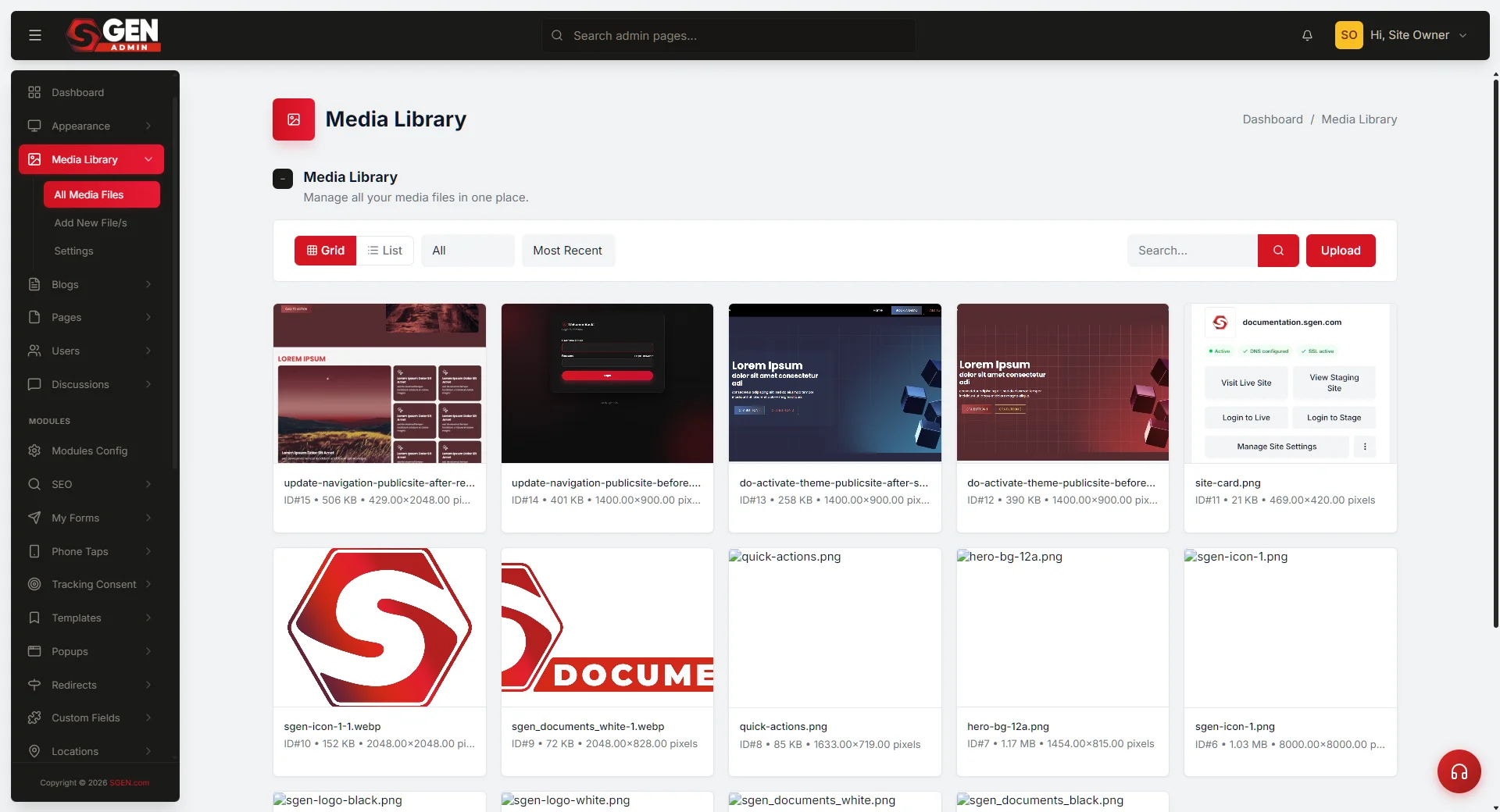
Media optimization in SGEN now lives inside the media library itself — part of the platform, not a separate plugin that needs re-validating on every update. Teams managing uploads and asset handling get a cleaner, more predictable workflow with fewer external dependencies.
What changed
In a franken-stack, media optimization lives in a separate plugin — one that has to be re-validated on every platform update. That plugin tax is the recurring bill: compatibility checks, update windows, the occasional conflict that breaks the upload path. SGEN's scoped component system handles media optimization conflict-free, native to the platform. The media library now supports a more native optimization path, helping teams manage uploads and asset handling with fewer external dependencies.
Why it matters
Media workflows touch both content operations and site quality. When optimization behavior is external to the platform, every plugin update is a trust-but-verify cycle. Bringing more of that behavior into the platform removes that cycle — the media library behaves consistently because it is part of the same scoped system as everything else in SGEN.
Before
External plugin dependency
Optimization handled by a separate plugin that required re-validation on every platform update. Plugin conflicts could break the upload path without warning.
Now
Native to the platform
Optimization workflows run inside the media library as part of SGEN's scoped component system — conflict-free, no re-validation required, no external dependency to maintain.
Where it fits
The media library is part of SG-Core — the foundational layer available across all SGEN tiers. Native optimization is available to every site on the platform, from Sandbox through to paid tiers. No additional configuration is needed to access the optimization workflows; they surface inside the media library where teams already manage their assets.
Available on all tiers
Native optimization is part of SG-Core. Every site on the platform has access, starting with Sandbox.
No setup required
No plugin to install, no configuration step to run. The optimization workflows are already live inside your media library.
Heads up Nothing to enable. The native optimization workflows are already live in the media library for all accounts — no action needed to access them.