
Custom Objects and Fields Are Native to SGEN
In a franken-stack, custom fields live in a separate plugin that every other plugin then has to recognize — plugin roulette begins. SGEN's scoped component system handles custom objects and fields natively, conflict-free with the rest of the content model. There is nothing to install and nothing to sync.
What changed
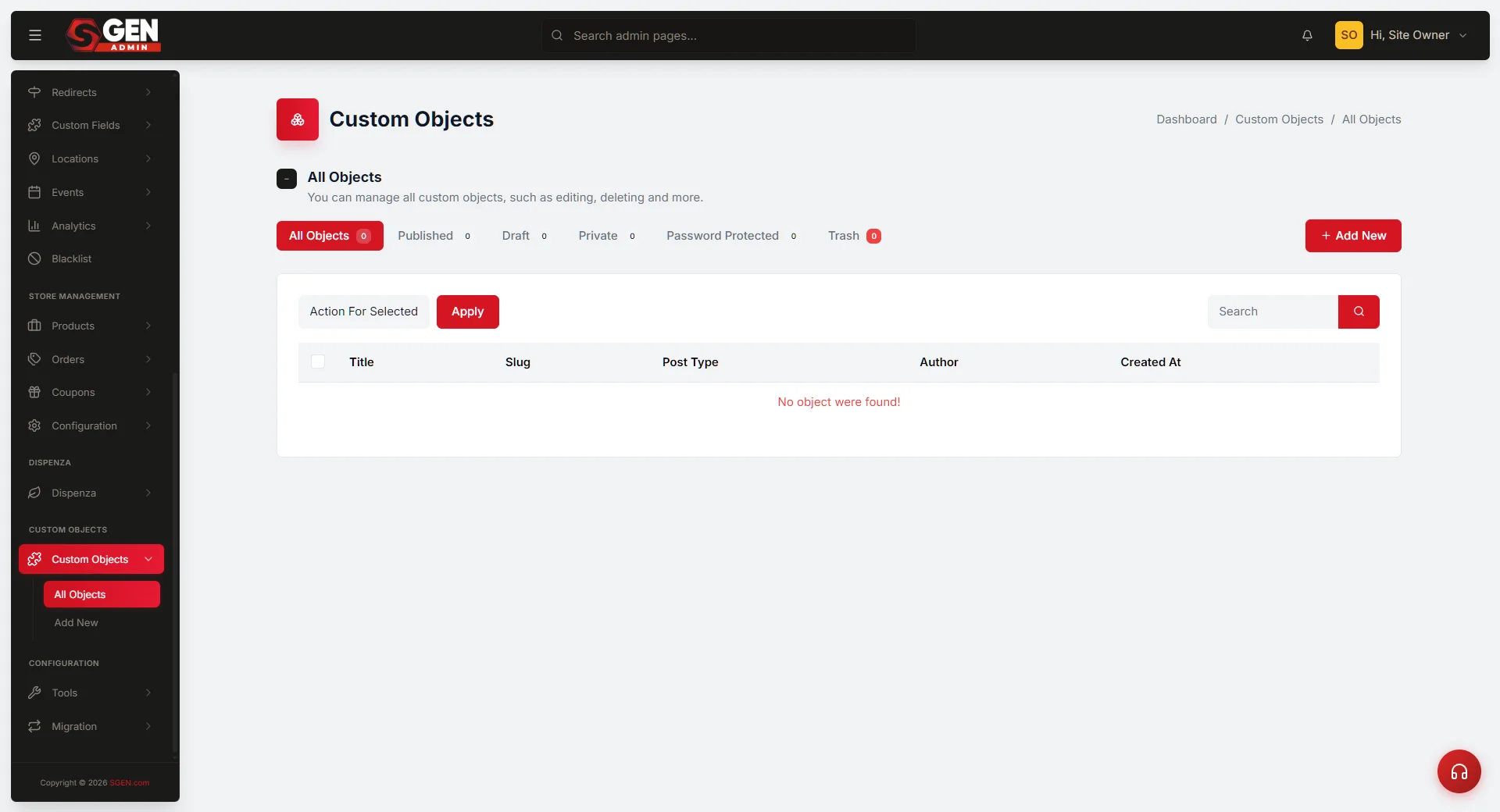
Custom objects and fields are now part of the native content model in SGEN. Teams can define structured content types and attach custom fields directly inside the platform — no plugin required, no separate data layer to maintain. The content architecture lives in the same system as every other content surface.
Why this matters
The value is not only flexibility. It is also consistency across how content, fields, and reusable structures are handled in one system.
Problem
Plugin roulette ends
When custom fields live in a third-party plugin, every other plugin in the stack has to recognize that plugin's data format. One update breaks another. SGEN's native model removes that dependency chain entirely.
Consistency
One unified content model
Custom objects and fields follow the same rules as every other content type in SGEN. No separate admin panel to learn, no import/export step to keep things in sync — just content, defined and managed in one place.
Where it fits in the platform
Custom objects and fields are part of SG-Core — the structured content layer that underpins every content surface in SGEN. Because they are native, they are available to the page builder, blog, forms, and any other surface that reads from the content model. Your Store, for example, uses custom objects to manage a menu of seasonal offerings alongside their standard pages and blog posts — one content model, no plugin to maintain.
Custom Objects
Define new content types beyond built-in pages and posts. Give each type its own name, fields, and admin screen.
Custom Fields
Attach typed data fields to any content type — text, number, date, image, relation, and more. Fields appear in the editor alongside standard content controls.
Heads up Custom objects and fields are available now at no extra step. If you are already on SGEN, navigate to the Custom Objects area in your admin panel to start defining types. No migration or re-import needed.