
Client Manager Now Supports Grouped Site Organization
Client Manager now lets you organize sites into named groups inside the SGEN dashboard. Instead of a flat list where every site is a disconnected entry, you can structure your portfolio by client, brand, or property — and navigate, filter, and act on it as a coherent set.
What changed
Before this update, managing multiple sites in Client Manager meant working from a flat dump. Every site sat at the same level regardless of client or account, so update anxiety scaled with site count and finding the right site required scanning the whole list.
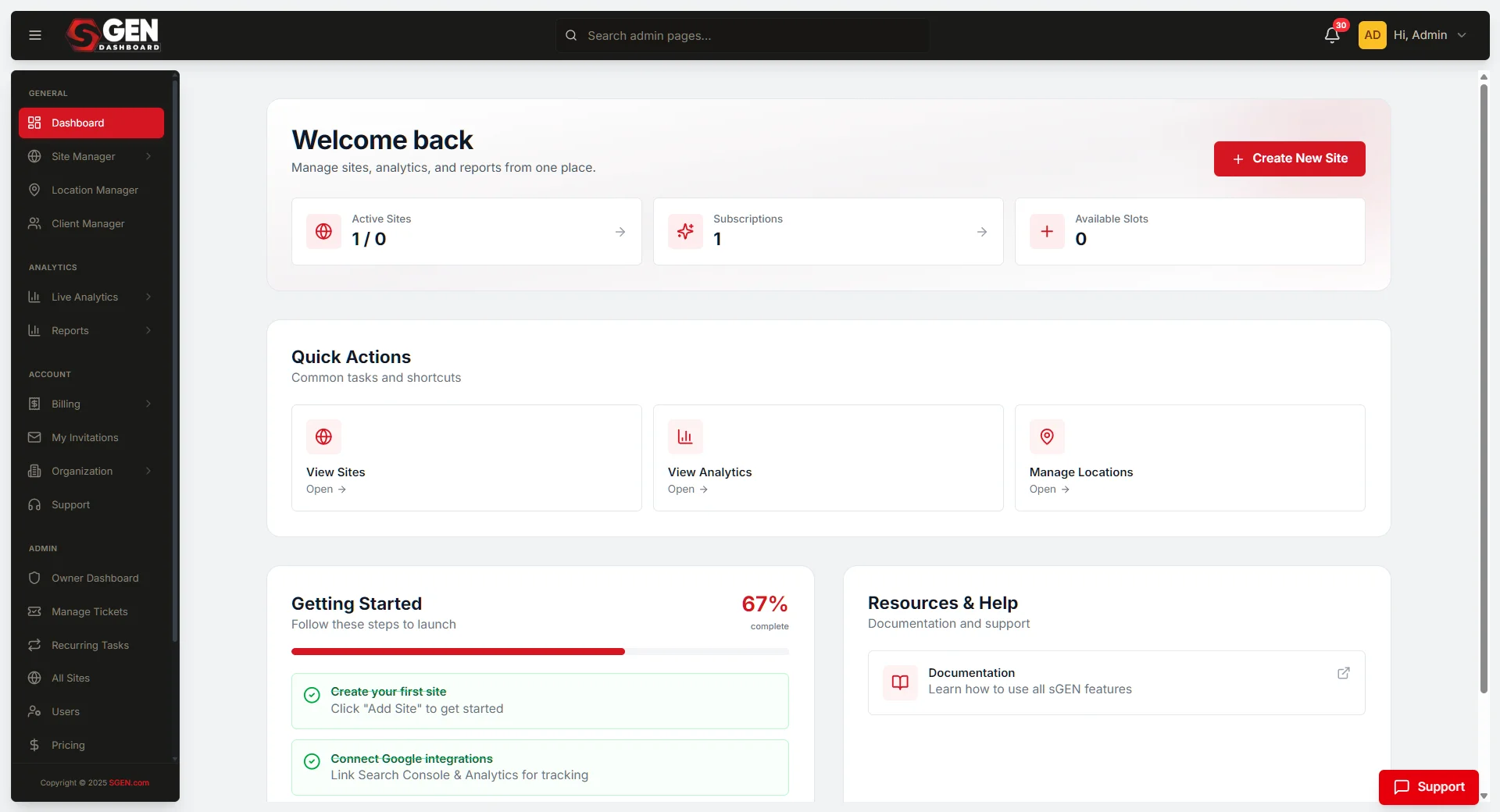
Grouped site organization addresses this directly. Sites can now be placed under a named group — a client, brand, property, or any structure that matches how you actually work. The groups appear in the dashboard site list and remain consistent across sessions.
Navigation
Find the right site faster
Groups collapse and expand in the site list. Agencies and operators with large portfolios no longer need to scan a flat list to locate a specific client's site.
Portfolio
Cleaner visibility across accounts
Sites organized under a client group give teams a consistent, structured view of what they manage — by account, brand, or property — rather than an undifferentiated list.
Where it fits
Grouped site organization lives inside Client Manager, which is part of SG-Dashboard. It is a dashboard-level capability — it applies to how sites appear and are navigated in the central operating surface, independent of any individual site's settings or content.
Agencies managing client portfolios
Group by client so each account's sites stay together. Navigation and filtering in Client Manager become client-scoped rather than site-wide.
Operators running brand families
Group by brand or property. Teams managing regional or product-line sites can see the whole set at a glance without losing track of individual sites.
Growing teams adding sites over time
Start flat; add groups as the portfolio grows. The structure adapts to how the team actually organizes its work rather than enforcing a shape upfront.
Heads up No setup is required. Grouped organization is available in Client Manager for all accounts. Existing sites remain in place — groups are additive and do not change how individual sites work.