
Platform Admin: Getting Started in SGEN
The Platform Admin role sits at the top of the organization tree. You run two or more SGEN sites for the same company — and the policies that apply to one site apply to all of them. Your scope is org-level, not page-level. This guide walks you through what your access includes, the day-one setup that gives you a clean baseline, the cadence that keeps the portfolio healthy, and the escalation paths that keep you from sitting on a problem that needs help.
Org-level, not page-level
You provision sites, grant access, watch billing, and set the security posture. You delegate page-by-page work to the roles that own each surface.
Cadence over heroics
Small, repeated actions compound. A daily dashboard sweep, a monthly billing review, and a monthly security pass cover almost everything before it becomes an incident.
Consistency is the product
One policy across every site, applied uniformly, written down — so a future Platform Admin inherits a clean baseline rather than an undocumented portfolio.
What you have access to
Seven surfaces carry the daily work. You will not visit all seven every day, but every one of them gets touched at least monthly.
Dashboard
Org dashboard
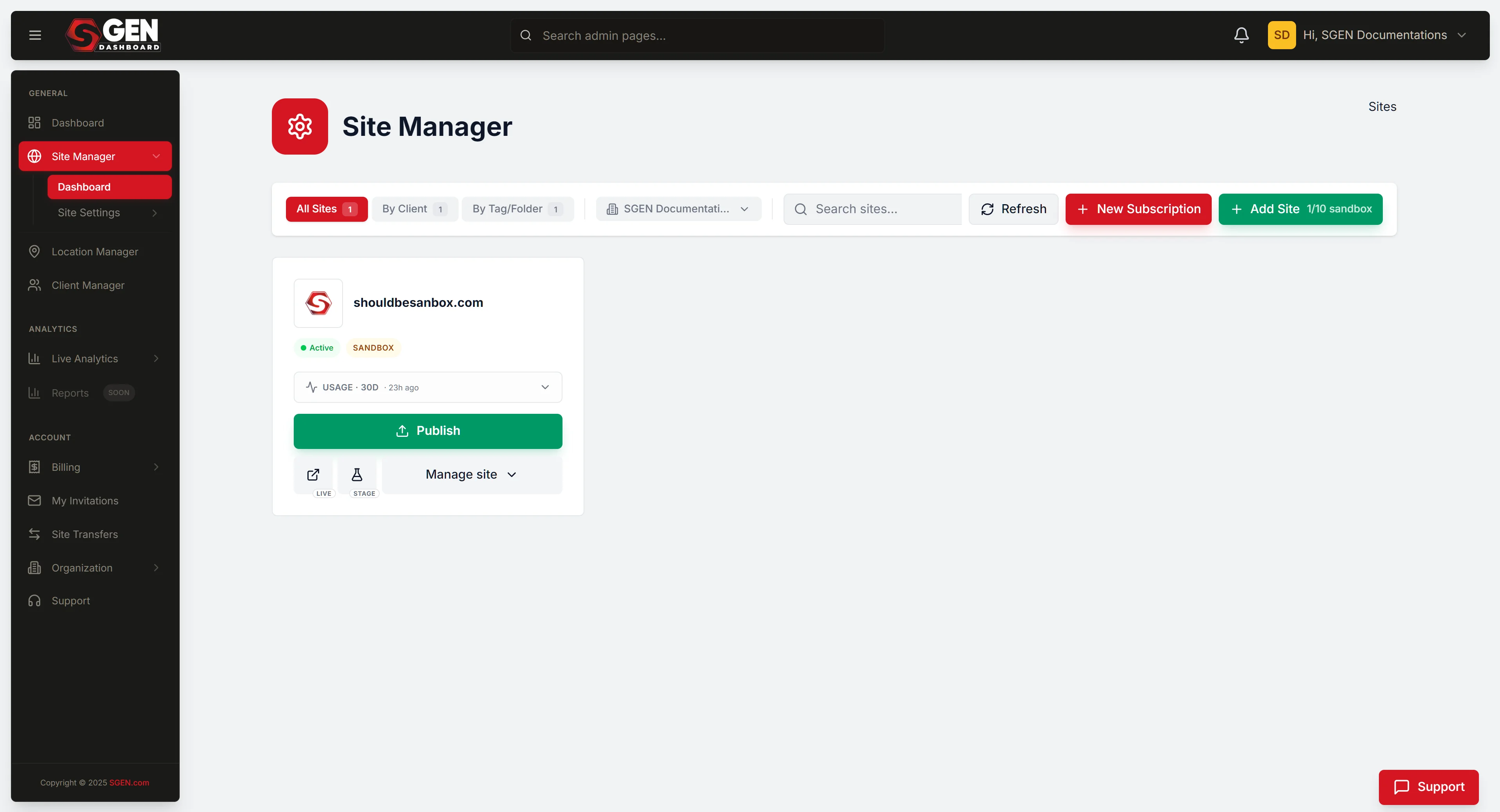
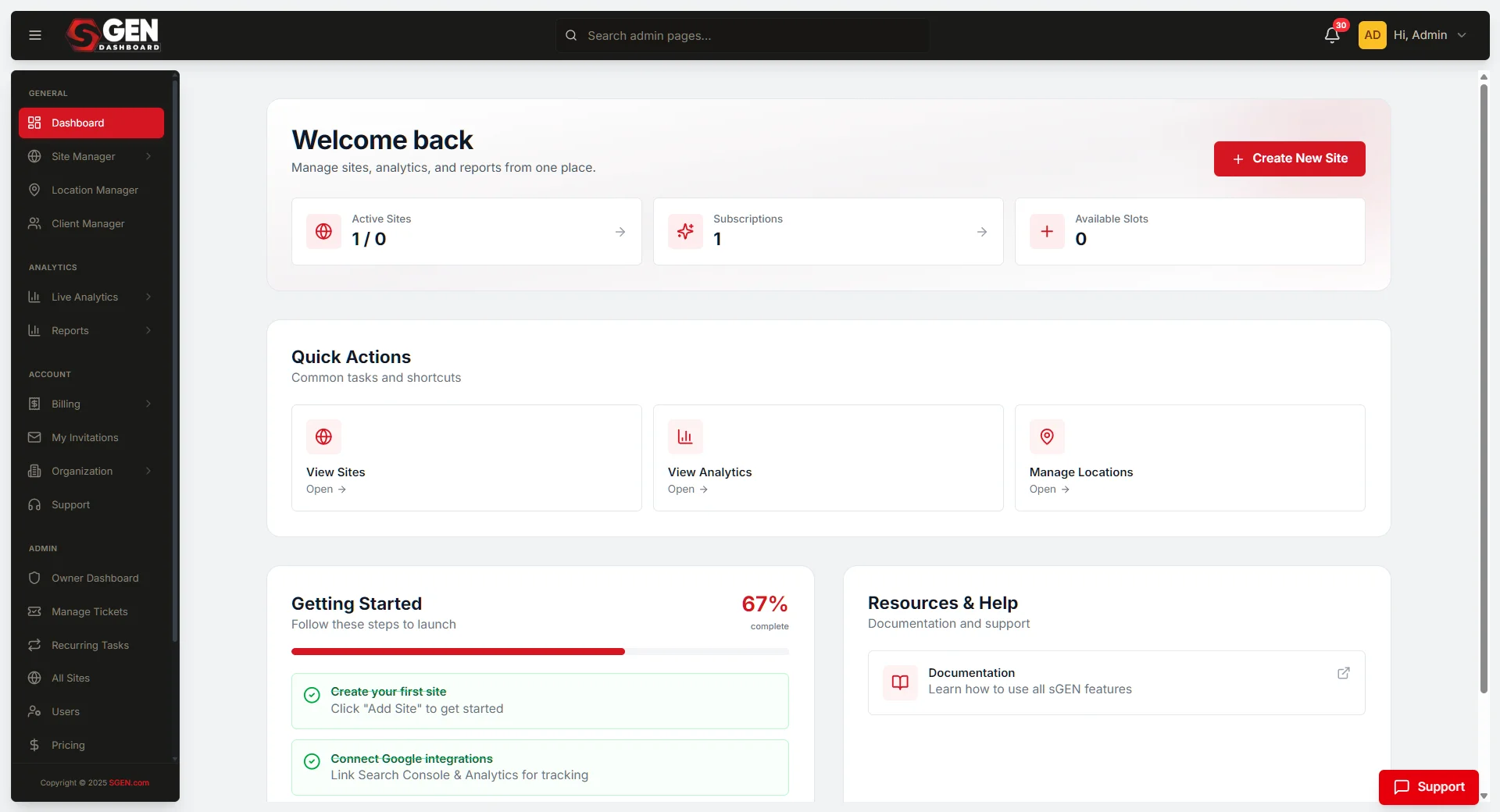
Morning sweep. All sites in the portfolio — plan tier, last activity, uptime, alert badges. Path: dashboard.sgen.com → Sites.
Access
Users (org-level)
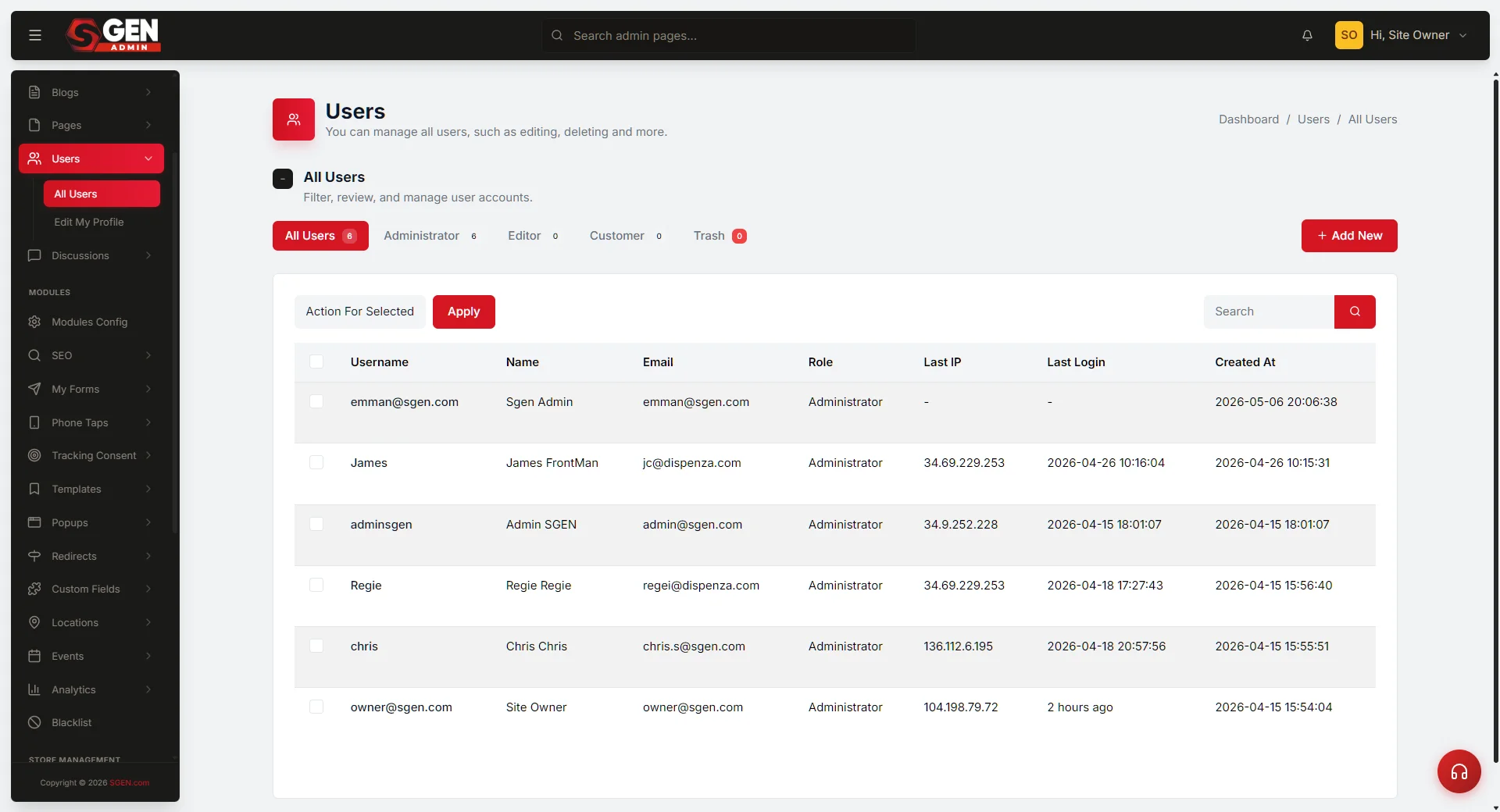
Add, edit, disable, or remove users across the entire org. Assign per-site roles separately after adding. Path: dashboard.sgen.com → Users.
Finance
Billing console
Invoices, payment methods, plan changes, renewal dates. Review on the first business day of each month. Path: dashboard.sgen.com → Billing.
Audit
Audit log
Read-only history of every admin action across every site. Use it when something does not match the story someone is telling you. Path: dashboard.sgen.com → Audit Log.
Security
Security panel
Two-factor enforcement, login throttling, password policy — set org-wide, not per-site. Path: dashboard.sgen.com → Security.
Backups
Backups
Backup history per site and restore rehearsals. Backups that are not tested do not exist. Path: dashboard.sgen.com → Backups.
Day-one checklist
Before you start running the portfolio, walk this checklist. Each item closes a gap that compounds into incident risk if left undone. Complete these five in order.
1
Confirm two-factor on your own account
Every other security commitment in this guide assumes the Platform Admin account itself is hardened. If yours is not, fix it before anything else. The Platform Admin role is the most consequential surface in the organization — a compromised account is the worst-case incident.
2
Enumerate every site in the portfolio
One row per site: domain, plan tier, primary admin, last-activity date. This list is your map for the rest of the role. Keep it in a shared team document, not your personal notes.
3
Read the audit log for the past 30 days
Get a baseline for what "normal" looks like — typical hour-of-day, typical actor, typical action type. Anomalies are only legible against a baseline.
4
Confirm the billing payment method is current
Check that the card on file is not within 30 days of expiry. A failed payment is the most preventable platform incident.
5
Identify your peer Platform Admin or successor
A Platform Admin with bus factor of one is an organization with bus factor of one. Name your successor and book the handover walk-through before you need it.
The ongoing cadence
The Platform Admin role is rhythm. Four repeating actions cover almost everything before it becomes an incident.
1
Sweep the org dashboard every morning
Scan the sites column for anything red — uptime below 99.5%, an alert badge, a failed-payment marker, or a plan-change pending approval. Most mornings it takes two minutes and everything is green. If anything is red, open it immediately. Do not assume it will resolve on its own.
2
Handle user-management requests in one focused window
Pick one window each day for adding new hires, role changes, and access removals. When adding a user, create one canonical identity at the org level, then assign per-site roles separately — never grant the same role across every site by default. When removing a user, disable first, wait the recovery window (typically 30 days), then delete. Audit any content owned by the disabled user before deletion.
3
Review billing on the first of every month
Confirm last month's invoice. Confirm the payment method is current and the card is not within 30 days of expiry. Confirm no site is on a plan that no longer matches its usage. Document any plan changes in a one-line note: which site, what change, why, who approved.
4
Walk the security and backup checklist on the first Monday of each month
Confirm two-factor is on for every admin-tier user. Confirm no admin has been inactive for 60+ days. Read the audit log for the past 30 days — look for mass deletes, unexpected role grants, or admin actions at unusual hours. Then pick one site, restore a recent backup to a sandbox environment, confirm the restored state, and document the result. Document the full pass in one line: date, coverage, any anomalies.
Use cases and boundaries
The Platform Admin role is the boundary-setter, not the day-to-day operator. Know what belongs to this role and what belongs to the roles you grant access to.
Good use cases
What this role is for
A new team lead needs admin access to two of five sites — add the user at org level, assign per-site roles. The CFO asks why the bill went up — open billing, find the plan-upgrade event, send the answer the same day. A new product line gets its own site — provision, apply the org's default plan, hand admin to the team lead. An employee leaves — disable immediately, reassign content, delete after the 30-day window.
Out of scope
What this role is NOT for
Editing blog posts or pages — Content Editor surface. Running forms, popups, or email sequences — Marketing Manager surface. Building pages in SG-Builder — Developer or Content Editor surface. Issuing refunds — Ecommerce Manager surface. Replying to customer comments as the brand — never Platform Admin. Doing this work yourself blurs the audit trail and creates a pattern no successor can inherit.
Roles you grant access to
As Platform Admin you set the boundary inside which every other role works. Know the surfaces you are granting access to before you grant them.
Content Editor — Low risk
Blog, pages, media, comments. No settings access. The most common role you grant to a new hire.
Marketing Manager — Low risk
Analytics, forms, popups, blog. Read-heavy, no configuration access.
Ecommerce Manager — Medium risk
Orders, products, coupons. Can issue refunds and change product visibility.
SEO Specialist — Medium risk
SEO audit grid, redirects, robots.txt. Robots.txt changes are site-wide — scope carefully.
Developer — High risk
Custom CSS, Custom Codes, redirects, SG-Builder. Code-level surfaces carry site-wide risk. Grant carefully and audit quarterly.
Partner / Agency — High risk during build
Full admin during build; reduced after handoff. Audit quarterly. Grant on a per-site basis, not org-wide.
Common questions
The questions Platform Admins ask most often — and the canonical answers.
Delegation
Can I delegate Platform Admin to a junior team member?
No. Delegate the cadence — someone runs the morning sweep — but not the role itself. Platform Admin grants the keys to every site in the org. The role belongs to a senior owner.
Billing
The CFO is asking why the bill went up. Where do I look?
Billing console → plan-change history. Most month-over-month increases trace to a plan upgrade on one site or a quota event. Both surface as line items in the invoice.
Offboarding
An employee left and they had Platform Admin. Priority order?
Disable login immediately. Rotate any shared credentials they had access to. Reassign sites where they were primary admin. Wait the recovery window, then delete. Document each step in the audit log.
Uptime
A site is showing uptime below 99%. What do I do?
Open the site's monitoring panel, look at the alert history. A single incident: document and watch. A pattern of recurring outages: escalate to platform monitoring. A 99% number is roughly 7 hours of downtime in a month.
When to escalate
Every escalation includes: site name, symptom in one sentence, evidence (audit log entry, invoice ID, screenshot), what you have already checked, and your recommended next action.
Extended downtime (more than 15 minutes)
Escalate to platform monitoring. Do not wait for it to self-resolve.
Unexplained admin actions in the audit log
Escalate to security. Unexplained entries are the signal — do not talk yourself out of investigating them.
Same symptom across multiple sites
Possible platform-level issue. Escalate with a list of affected sites and a timeline of when each symptom appeared.
Billing anomaly or missing invoice
Route to billing support with the invoice ID. Include a screenshot of the unexpected line item.
Backup restore fails or runs long
Escalate to platform support with the rehearsal log. Reschedule the next rehearsal in two weeks rather than four — confirm the issue is resolved before returning to the normal cadence.
Heads up Two-factor is not optional for the Platform Admin account. This is the one rule in this guide with no exceptions and no temporary waivers. A compromised Platform Admin account is the worst-case incident the rest of the cadence is trying to prevent.
What to do next
Roles you grant access to — surfaces and risk level
| Role | Surfaces | Risk level |
|---|---|---|
| Content Editor | Blog, pages, media, comments; no settings access | Low |
| Marketing Manager | Analytics, forms, popups, blog; read-heavy, no configuration access | Low |
| Ecommerce Manager | Orders, products, coupons; can issue refunds and change product visibility | Medium |
| SEO Specialist | SEO audit grid, redirects, robots.txt (robots.txt changes are site-wide) | Medium |
| Developer | Custom CSS, Custom Codes, redirects, SG-Builder; code-level site-wide risk | High |
| Partner / Agency | Full admin during build, reduced after handoff; grant per-site, audit quarterly | High during build |