
Partner and Agency: Getting Started in SGEN
Most agencies were built around WordPress and a plugin stack. Plugin conflicts, theme rewrites, security patching, and hosting headaches eat billable hours that used to be margin. SGEN is the answer for agencies that want to keep building beautiful client sites without burning a third of their time on infrastructure. This guide covers partner-tier access, the sandbox ramp-up, the four-phase client delivery flow, white-label and reseller surfaces, and the retainer cadence that compounds across a portfolio.
Build cycle drops to days
Apply your starter component library on every new client site and the third site is half the build time of the first. Reuse compounds.
Reseller billing = recurring revenue
SGEN bills your agency at partner pricing. You invoice clients at your retail rate. The spread is yours to keep every month.
Clean handoffs, zero lock-in
A client who wants to go in-house transfers the site to their own account — no database export, no re-platforming. Your reputation stays clean.
What this role is for
The Partner / Agency role is for a digital or design agency delivering sites to outside clients on SGEN. You provision sites, build them, hand them off, and either step down to a maintenance role or keep clients on retainer. Typical scenarios: a local-service business hires you for a five-page lead-generation site; a SaaS company needs a migration off WordPress; a franchise rolls out a templated build across thirty locations; a long-term client wants to take the site in-house after two years.
Key surfaces for this role
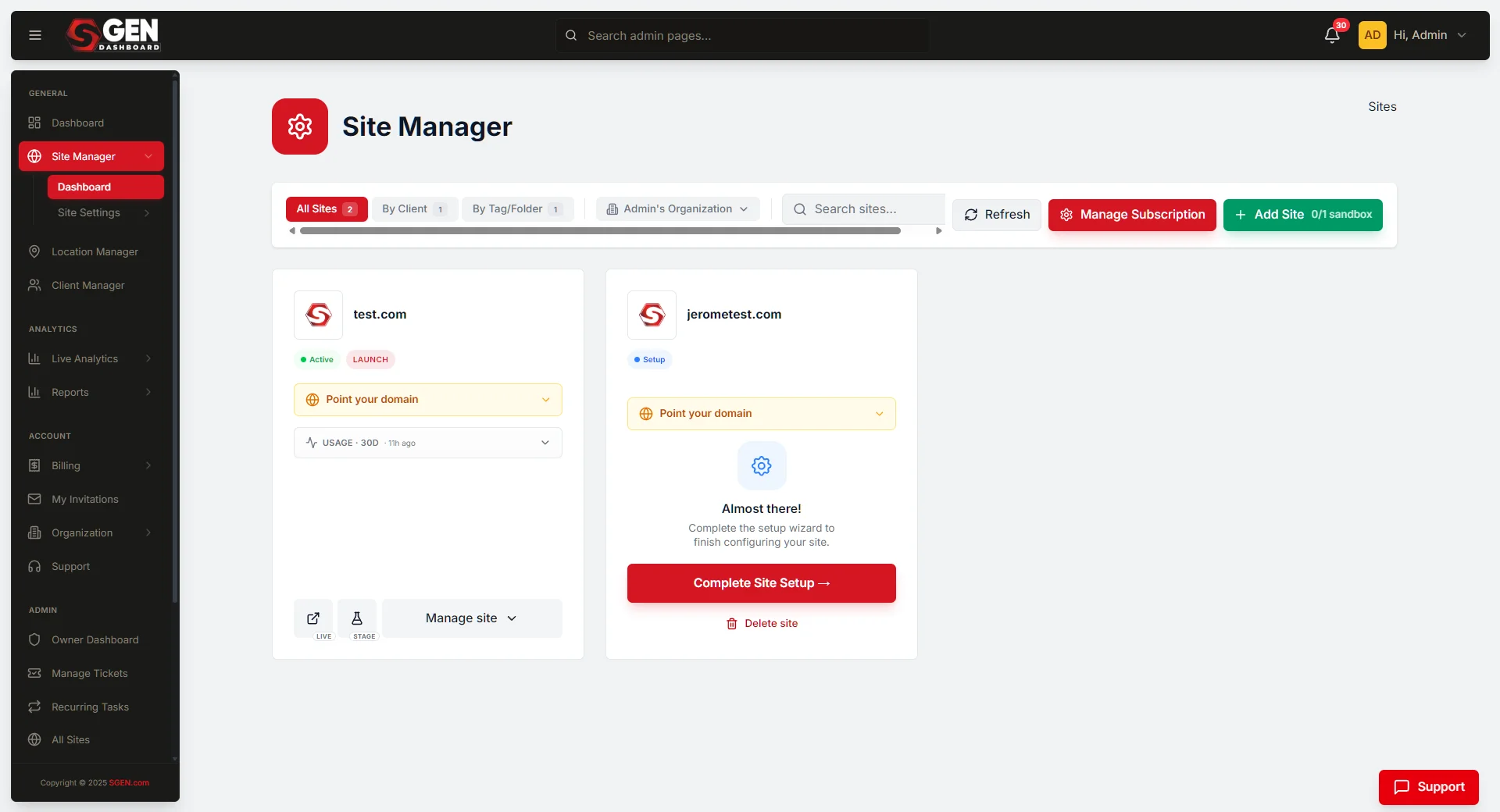
Six surfaces carry the agency's daily work. The first three are partner-tier specific. The last three are per-site admin surfaces you reach into for build work.
Portfolio
Partner dashboard
All sites in the portfolio, status per site, last-activity timestamp. Visit on Mondays for a status sweep and on Fridays for a billing review. Path: partner.sgen.com → Sites.
Reuse
Agency component library
Reusable SG-Builder components saved once, applied across clients. A mature starter library saves 60 to 80% of build time on a typical client site. Path: partner.sgen.com → Library.
Revenue
Reseller billing
Partner invoices in, client invoices out. The spread between your retail price and the partner rate is recurring revenue. Typical mark-up: 30 to 60% over partner cost. Path: partner.sgen.com → Billing.
Branding
White-label settings
Set custom logo, sender name, and login URL per site. White-label is per-site — one client can run with branded admin while another sees default SGEN chrome. Path: Admin → Settings → Branding.
Build
SG-Builder editor
Where page-by-page build work happens. Access per client site via Admin → Pages → Edit (SG-Builder).
Access
Per-site admin
Full admin access during the build phase on each client site. Path: partner.sgen.com → [client site] → Open Admin.
Building your starter component library
The agency component library is what makes the economics work. Save your first header, footer, and hero pattern from the sandbox build. Every new client site starts from that base — you are not recreating structure from scratch, you are swapping content into a tested framework. A mature library (header, footer, hero variants, form patterns, blog index, post template, basic SEO defaults) typically cuts a client build to 20–40% of what the first sandbox took.
Client delivery flow
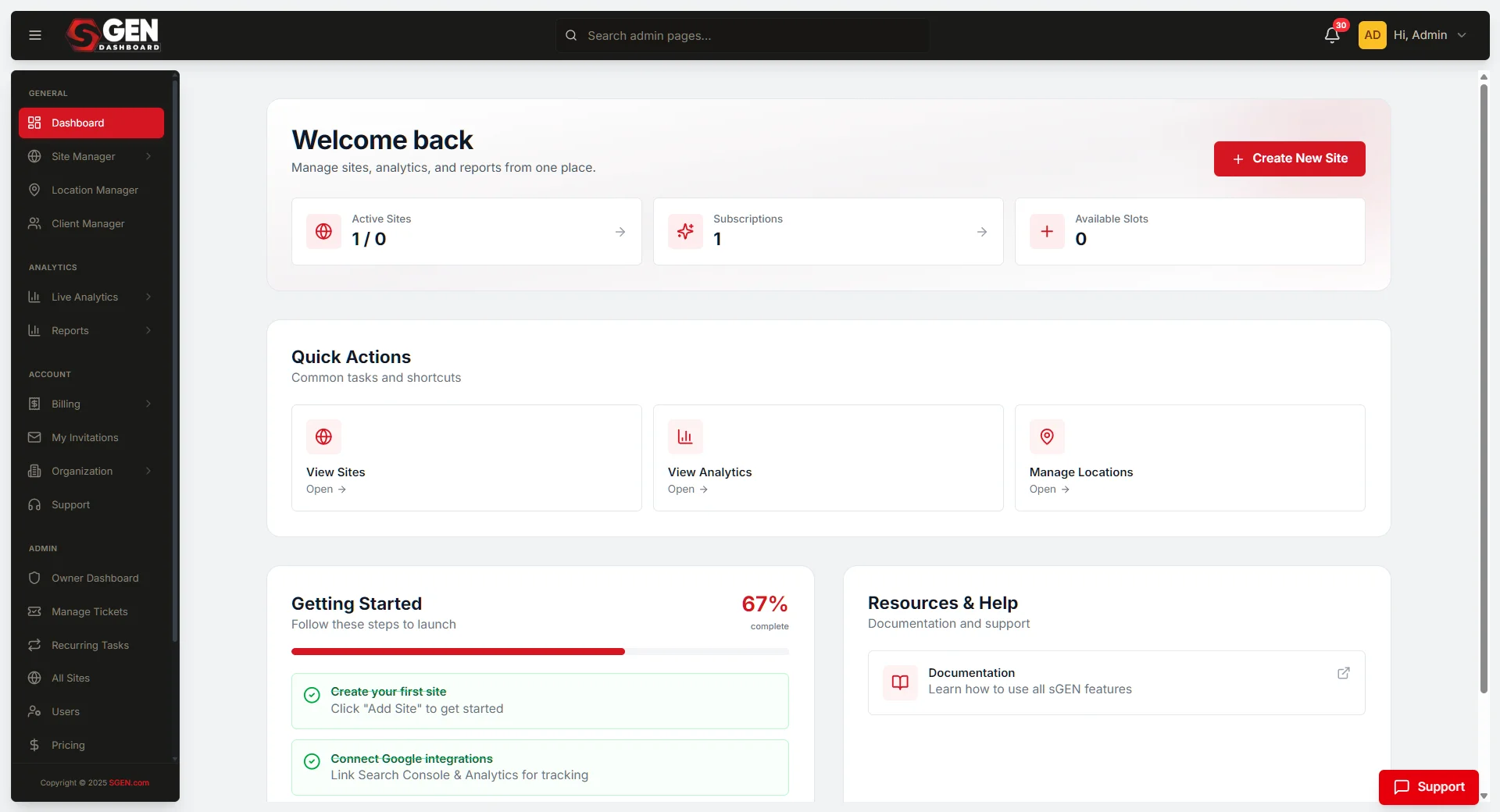
Every paid client engagement runs the same four phases. Skipping or compressing phases is the most common cause of a delivery slipping its window.
1
Provision the sandbox and run one full build end-to-end
Before your first paid client, provision a sandbox site. Build one site end-to-end: pages, blog, forms, basic SEO, custom branding. Do not skip the unglamorous parts — set up a contact form, route the submission, test the success page, confirm the email arrives. If any step in the sandbox surprises you, the same surprise on a paid client costs you a week.
2
Run discovery and lock the spec before provisioning
A signed spec exists before a paid SGEN site exists. Discovery answers six questions: pages and sections, integrations (forms, payment, email, analytics), content sources, brand assets, domain ownership, launch date. Output: a signed spec PDF plus a brand-asset bundle. The spec is your reference document for the rest of the build — every "did we agree to this?" question gets resolved by reading it.
3
Provision the client site and apply your starter library
Open the partner dashboard, click New Client Site, name it for the client, pick a plan tier matching expected traffic and feature use. Apply your agency starter library as the base. Configure integrations next (analytics, email, payment if ecommerce). Compose the pages last. Integrations late in the cycle is the common mistake — you end up retrofitting analytics on every page instead of letting the layout reference the tags.
4
Run internal QA on staging, then invite the client for review
Before showing the client anything, your team walks the staging URL end-to-end: click every navigation link, submit every form, read every page on mobile, confirm tracking pixels fire. Then invite the client to staging. Give them one consolidated revision window — not a rolling stream of edits. Apply revisions in one focused pass, re-QA on staging, then schedule the cutover.
5
Cut over, verify, hand off, schedule the 30-day check-in
Cutover happens early in the week, off-peak hours for the client's audience. Switch DNS, then verify on production with the same checklist you ran on staging — forms, payment, tracking, mobile. Hand admin access to the client at the agreed role: most clients land at Content Editor, multi-site clients get a Platform Admin. Schedule the 30-day check-in before you close the project.
Retainer rhythm
A retainer without a defined rhythm decays into ad-hoc requests. Define the cadence in the contract before handoff. Send a one-page month-end summary every month — that summary is what the client forwards to their CEO when the CEO asks what they are paying the agency for.
Weekly
Content updates, blog publishing, campaign launches.
Monthly
Analytics review with client — what worked, what's next. Send the one-page summary.
Quarterly
SEO audit, performance pass, plan-tier review.
Annually
Visual refresh, platform health audit, contract renewal.
What not to do in this role
These are the failure modes that surface most often in agency engagements. Each one has caused a delivery slip or a client relationship problem for agencies on SGEN.
Provisioning before the spec is signed
A Partner-tier site adds to your monthly bill. Provision after the client signs the scope, not before.
Sharing content across clients
Each client's site is isolated. Do not lift design files, blog posts, or assets from one client to another without explicit written permission from both.
Promising unshipped features
Read the changelog. Sell what is live, not what is planned.
Skipping staging QA
Every site goes through your internal review on the staging URL before DNS cutover. No exceptions.
Launching late Friday
Plan launches for early in the week so the recovery window does not eat your weekend.
No retainer agreement at handoff
Ad-hoc requests after launch are the failure mode. Set the rhythm in writing before the handoff meeting.
Day-one checklist — Your Store example
Walk this checklist before taking a paid client. Each item closes a gap that would surface as a delivery problem later. The example below uses Your Store, a typical agency client — an apparel boutique building a new site to support wholesale and direct-to-consumer channels.
1
Confirm partner-tier access in the partner dashboard
Sign in to partner.sgen.com. Confirm the Sites list, Billing, and Library tabs are all visible. If any tab is missing, contact partner support before continuing — missing tabs mean the partner tier has not been fully provisioned.
2
Provision a sandbox site and name it for internal use
Sandbox sites bill at internal rates and exist for training, demos, and pitch artifacts. Name it clearly — "sandbox-q3-pitch" or "sandbox-yoursite-demo," not "test." A clear name tells the whole team what the sandbox is for without a Slack message.
3
Build one end-to-end site in the sandbox
Pages, blog, forms, basic SEO, branding. Do not skip the unglamorous parts — the contact form, the success-page redirect, the email confirmation. The sandbox is your team's training ground. Every surprise you hit here costs nothing; the same surprise on a paying client costs a week.
4
Set up your agency Drive folder structure
One folder per client. Standard sub-folders: spec, brand-assets, screenshots, post-launch notes. The structure compounds — the tenth client is faster to onboard because folders 1 through 9 taught you the pattern.
5
Write your discovery template
Six questions: pages and sections, integrations, content sources, brand assets, domain ownership, launch date. Lock the template now — editing it per-client is the slow path. A fixed template also trains your team to run discovery consistently without coaching.
Handing off cleanly when a client leaves
When a client decides to take the site in-house, hand it off without resistance. The clean handoff is your reputation. Clients who leave gracefully often refer back when their next project needs an agency. Clients who feel held hostage do not.
1
Document what you built
A page-by-page reference, integration credentials, content-source notes. The new owner should be able to maintain the site without calling you.
2
Transfer billing
The client takes over the monthly bill directly with SGEN. Billing reroutes from your agency to the client — no database export, no re-platforming required.
3
Transfer admin ownership
The client's Platform Admin or designated lead becomes the site owner. Hand admin access at the agreed role before closing your own session.
4
Step down or remove access
Step down to a lower role, or remove your access entirely if the client requests it. Confirm in writing which access level you retain, if any.
5
Archive agency-side references
Archive your spec and component-library reference in your agency Drive for use on future client projects. The patterns you built may apply to the next client even after this one has left.
Heads up — Bringing a paying client onto SGEN before your team has shipped a sandbox end-to-end is the most common cause of a delivery slipping its window. Stop and complete the sandbox build first.