
Lead and Tracking Workflow
The Lead and Tracking Workflow is the cross-product process that captures lead-generation signals — form submissions, conversion events, click-tracked links — attaches attribution, lands records in SG-Admin, surfaces them in analytics, and pushes them to connected integrations. This Reference defines the model so you can scope marketing operations and route attribution questions to the right surface.
Attribution is the defining property
Every captured signal carries source context — page, referrer, session, campaign — so downstream analytics and integration handoffs can use it.
Three capture sources
Forms are the primary path. Conversion events fire on defined goals. Click-tracked links fire as tracking events where the platform supports it.
Data flows to three destinations
SG-Admin records, analytics surfacing (GA4 + Event Logs), and — where wired — outbound integration push to CRM and email-marketing tools.
What this is for
Read this page when you want the structural definition of the lead-and-tracking flow — what gets captured, how attribution attaches, where the data lands, and how it pairs with analytics. Use it to scope marketing operations, explain attribution to stakeholders, or answer "where do leads end up?" questions with the platform model in hand.
Capture sources
The platform collects leads and tracking signals from three surfaces. Each source produces a captured record that carries the full attribution context.
Forms
Primary lead capture path
Form submissions are the primary lead capture source. The Form Submission Workflow handles the multi-handoff flow; the Lead and Tracking Workflow consumes captured submissions as leads with full attribution.
Conversion Events
Defined goal completion
Configured conversion events fire when visitors complete defined goals — newsletter signup, store checkout, demo request. Each event carries attribution at the moment it fires.
Click Tracking
Link-level signals
Where the platform supports it, links on the public site can be tagged for click tracking. The clicks fire as tracking events and feed into the same attribution chain.
Priority Order
How source is resolved
Attribution resolves in order: UTM parameters (highest priority) → referrer header → stored attribution from prior session → direct → internal (referrer matches own domain).
Attribution model
Each captured signal carries four pieces of source context. These fields attach to the conversion record and travel with it to SG-Admin, analytics, and any connected integration.
Source page
The page the visitor was on when the capture event fired — for example, /pricing or /contact.
Referrer
Where the visitor arrived from — organic search, paid campaign, direct, or social. Resolved from the HTTP referrer header when no UTM is present.
Session
The visitor's session identifier so multi-event sessions can be reconstructed across pages and capture events.
Campaign tags
UTM-style campaign tags (source, medium, campaign) propagated through the visitor's session and attached to the conversion record.
Downstream paths
After capture and attribution, the signal follows one or more of three downstream paths depending on what is configured for the site.
Records
SG-Admin record landing
Captured signals land as records in SG-Admin — My Forms for form submissions, conversion records for conversion events. Attribution fields are stored on each record and visible in the detail panel.
Analytics
Analytics surfacing
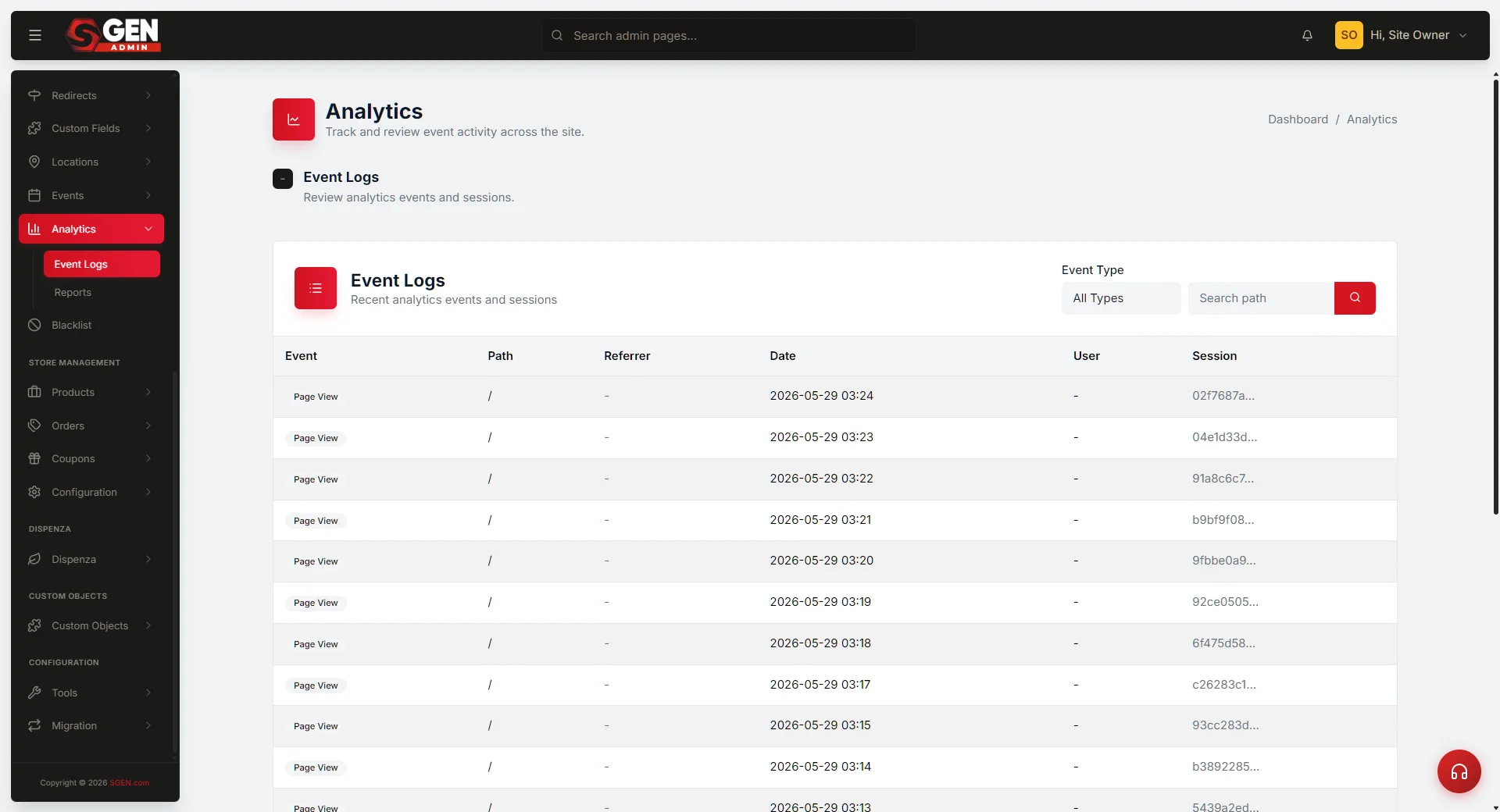
Analytics integrations (GA4 and others) consume tracking signals. Aggregated views surface in SG-Dashboard Analytics; raw events surface in Event Logs. Scope by referrer, campaign, or date range.
Integrations
Integration push
Where wired, captured signals flow out to connected services — CRM and email-marketing tools. Attribution fields travel with the push so downstream tools have the full source context.
How it works in practice
Three scenarios that ground the model in real operator questions.
Scenario
Form submission with full attribution
A visitor finds the Your Store site via organic search, lands on /pricing, fills out the contact form. The submission lands in SG-Admin My Forms with full attribution — source page, referrer, session, and campaign tag. The CRM push includes the same attribution.
Scenario
Stakeholder asks: "where did our leads come from?"
The operator opens SG-Dashboard Analytics, scopes to last 28 days, reviews the conversion summary by referrer and campaign. This Reference grounds the question in the platform's attribution model.
Scenario
Lead arrives without attribution
A submission lands with referrer = "unknown." The operator walks this Reference, identifies the likely cause — no UTM tagging on the inbound link, session reset, or direct visit — and adjusts the campaign links or integration setup accordingly.
Heads up This Reference covers the model, not step-by-step configuration. For capture setup procedures open the relevant Guide. For per-release changes open What's New or Changelog.