
Form Submission Workflow
When a visitor clicks Submit on any SGEN-powered form, a multi-step process runs. The submission is captured, validated, and stored as a record in the admin. Notifications fire to configured recipients. If integrations are wired, the data pushes outbound. This page is the Reference definition of that cross-product path.
One event, four effects
A single Submit click produces a record landing, a notification fire, an optional integration push, and an optional visitor confirmation — all from one event.
Data lands in My Forms
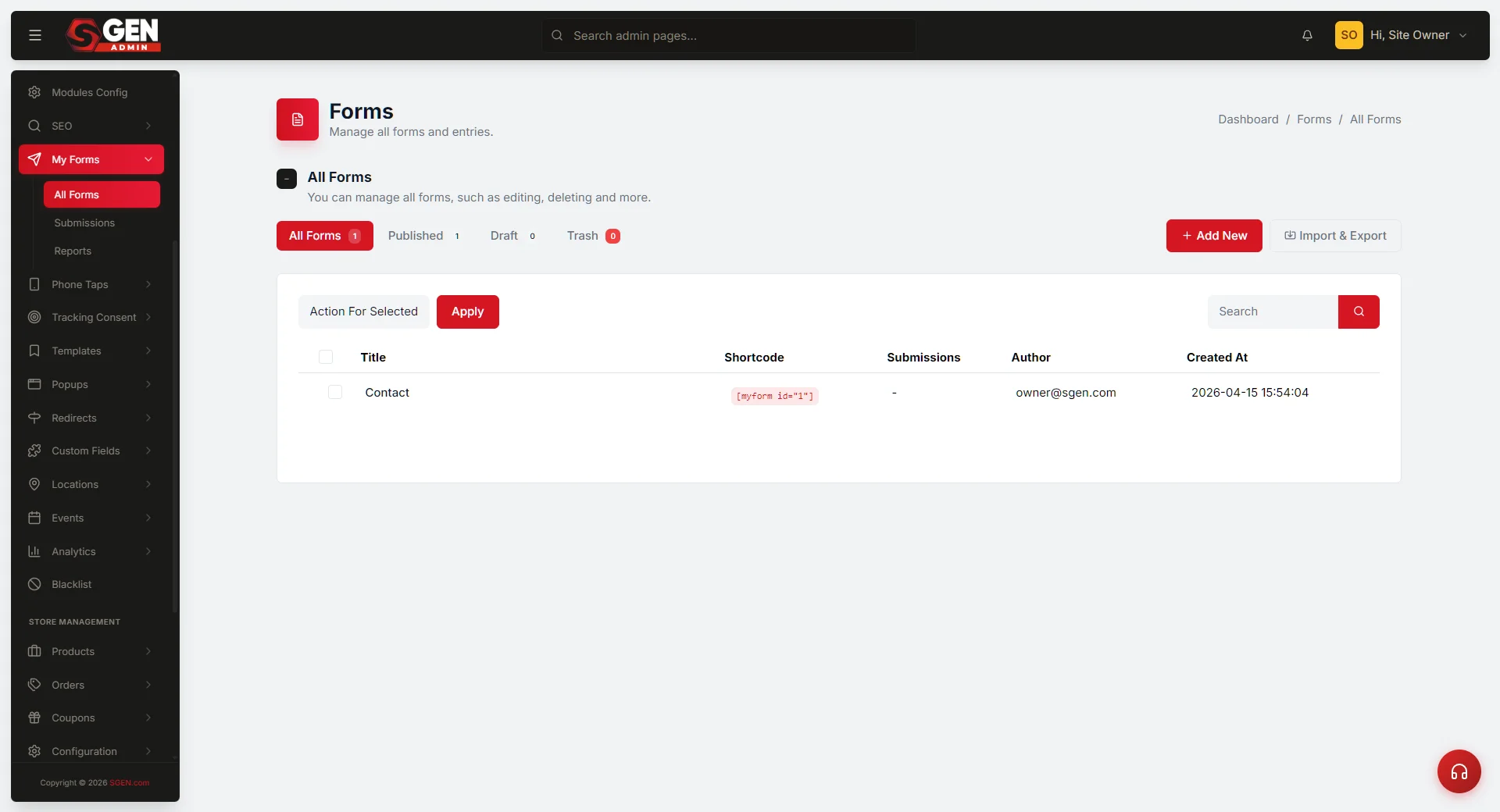
Every submission becomes a record in SG-Admin under My Forms, carrying field values, visitor metadata, timestamp, and source page.
Notifications and integrations are configurable
Email alerts, in-app notifications, and outbound CRM pushes all depend on how the form is configured — the workflow fires what is wired.
Entry surface
The workflow begins the moment a visitor submits a form on the public site. Forms appear in three contexts: as inline content on a Page or Post (placed via SG-Builder), as a Popup form via the Popups module, or as the primary content on a standalone landing page. In every case, clicking Submit fires the submission event and hands control to the platform workflow.
Handoff sequence
After Submit fires, three handoffs run in sequence. Each handoff is independent — if Handoff 2 fails (no notification arrives), the record at Handoff 1 is still intact and visible in My Forms.
Record
Handoff 1 — Public site to SG-Admin
The submission lands as a record in SG-Admin under My Forms. The record carries the form identity, submitted field values, visitor metadata, timestamp, and source page. This handoff runs on every submission.
Notification
Handoff 2 — SG-Admin to Notification Logic
If the form configuration includes notifications, Notification Logic fires the configured channels — operator-facing email, in-app alert, or both. Recipients and channel preferences are set in the form's notification configuration.
Integration
Handoff 3 — SG-Admin to integration push
If the form is wired to an integration — a CRM, email-marketing platform, or custom endpoint — the submission also pushes to the connected service. Integration-driven Automation handles the push.
Confirmation
Visitor confirmation (where configured)
If the form includes a confirmation email, Email and SMTP transport delivers it to the visitor after the record lands. The confirmation runs alongside the operator notification, not in sequence with it.
Downstream effects
After the three handoffs complete, four effects are visible in the platform.
Operator visibility
The submission appears in SG-Admin under My Forms and — per notification preferences — in the operator's notification surface. Operators can view field values, source page, and timestamp from the record.
Visitor confirmation
When the form includes a confirmation email, Email and SMTP delivers it. The visitor receives the message at the address they provided in the form.
Audit trail
The submission event records to the platform audit log per the Notification Logic audit pattern. The log entry carries the submission ID, timestamp, and delivery result for each notification channel.
Attribution attached
Source, medium, and campaign attribution is attached to the submission record at landing time. This data travels with the record into any downstream integration.
Worked examples
Three scenarios show how the handoff sequence maps to real operator questions.
1
Contact form submission flows end-to-end — Your Store
A visitor submits the contact form on the Your Store site. The record lands in My Forms; the operator receives an email and an in-app notification; the submission pushes to the connected CRM. The visitor receives a confirmation email. All four handoffs complete cleanly.
2
Notification did not arrive — diagnosis path
The submission lands in My Forms (Handoff 1 completed). The operator notification did not arrive. The operator walks this Reference's handoff sequence, identifies that the break is at Handoff 2 (Notification Logic), and opens the Notification Logic Reference for diagnosis — not the form itself.
3
Stakeholder asks "where does the data go?"
The platform lead opens this page and walks the stakeholder through the four handoffs. The Reference grounds the conversation in SGEN's submission model without disclosing implementation detail.
Heads up This page is the structural Reference for the submission flow. Step-by-step form-build procedures belong in Guides. Per-form-type configuration detail belongs in the SG-Admin Forms module Reference. Per-release behavior changes belong in What's New or Changelog.