
SGEN Globals
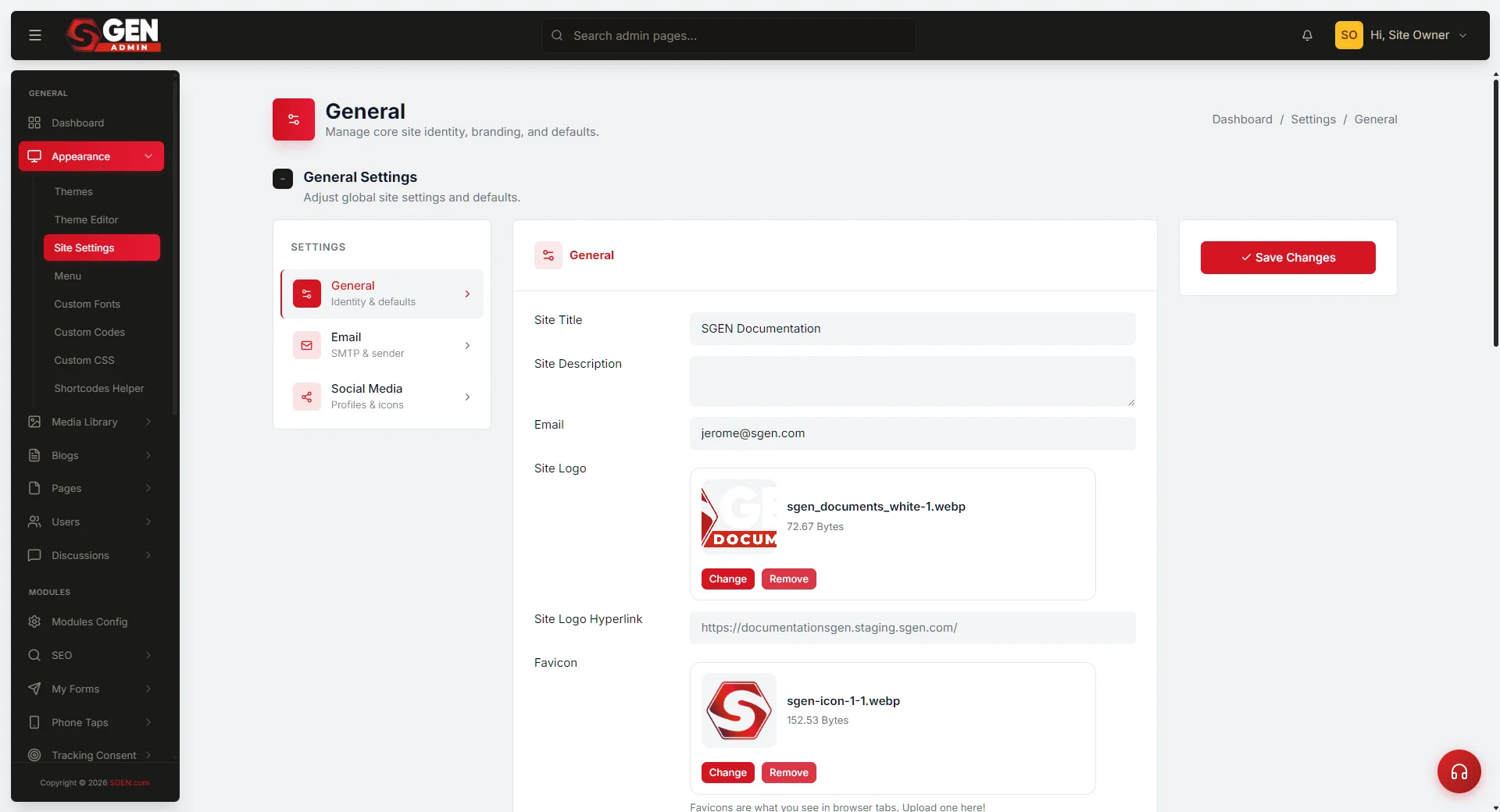 Globals design-system screen — the six brand-asset categories (Color, Typography, Logo, Favicon, Button defaults, Spacing)" loading="lazy" style="width:100%;max-width:900px;height:auto;border-radius:8px;border:1px solid #e5e7eb;display:block;margin:12px 0">
⏱ Quick answer below · full page ≈ 5 min · skim the bold lead-ins to move faster.
In short. Globals is the design-system layer inside your SGEN site. It holds six categories of brand asset — colors, typography, logo, favicon, button defaults, and spacing — that every template and every component inherits from. Set your primary color here once, and every button on every page renders it automatically. Update the logo file here, and every header and footer across every template shows the new mark without any page-by-page action. Globals is the single source of truth for your site's visual baseline.
On this page: What Globals covers · Where to find it · How inheritance works · Locking fields · Boundaries · Related reading
What Globals covers
Globals groups its settings into six categories. Every category feeds a different part of the site's visual baseline.
| Category | What you configure | What it affects |
|---|---|---|
| Color | Primary, secondary, accent, background, and text colors | Every button, heading, background block, and interactive element that inherits from Globals |
| Typography | Heading font family, body font family, heading sizes (H1-H6), body size, line height, letter spacing | Every text component that inherits from Globals |
| Logo | Header logo file and footer logo file | Every template's header and footer |
| Favicon | Browser tab icon | Every page on the site |
| Button defaults | Corner radius, default state styling, hover state styling | Every button that inherits from Globals |
| Spacing | Section padding, container max-width, column gap | The spatial baseline every section starts from |
Color
Primary color, secondary color, accent color, background color, and text color live here. Set primary to the brand's exact value, and every button that inherits from Globals renders that value automatically. Change it once in Globals and every inheriting element updates.
Typography
Heading font family, body font family, heading sizes (H1 through H6), body size, line height, and letter spacing. Values set here propagate to every text component that inherits from Globals. If the brand uses a custom font not in the SGEN font library, add it under Custom Fonts first, then return to Globals to reference it.
Full detail: Custom Fonts
Logo
Header logo and footer logo variants. The files uploaded here are what every template's header and footer render. When the brand updates its logo, replacing the file in Globals is the only action required — every header and footer across every template shows the new mark on the next page load.
Favicon
The browser tab icon. Set once in Globals, applies to every page on the site.
Button defaults
Corner radius, default state styling, hover state styling. These defaults propagate to every button that inherits from Globals. A site where the brand specifies rounded buttons does not need to configure radius per-component — the Globals value is the default, and every component that starts from a template carries it.
Spacing
Section padding, container max-width, and column gap. These values define the spatial rhythm of the site. Templates start from these values; specific sections can override them when the design requires, but the Globals baseline is always the starting point.
Where to find it
Open SG-Admin for the active site. Globals is reachable under Settings → Globals in the sidebar. Administrator access is required to view and edit Globals settings.
Path to Globals
SG-Admin
your site
your site
→
Settings
sidebar
sidebar
→
Globals
design system
design system
How inheritance works
The inheritance chain runs in one direction: Globals → Templates → Pages.
- Globals carries the brand values — the permanent, site-wide visual baseline.
- Templates pull from Globals for all brand-governed elements. When an editor opens a new page from a template, the page already has the correct fonts, colors, and spacing.
- Pages created from templates inherit the template's Globals-sourced values automatically.
- A visitor loads the page and sees the brand exactly as defined in Globals.
When the brand updates:
- The Globals value changes.
- Every template that inherits that value updates automatically.
- Every page created from those templates displays the new value on the next page load — no page-by-page republish required for inherited values.
This is the operational advantage: brand decisions made once in Globals propagate everywhere that inherits from them. The alternative — setting colors or fonts per-component across hundreds of pages — creates drift that is impossible to correct consistently.
Locking fields
Individual Globals fields can be locked to prevent editor-level changes. A locked field is read-only for Editors; only Administrators can modify it.
Why this matters: An unlocked primary color means any Editor can change every button on the site to a different color in under a minute, accidentally or otherwise. A locked field removes that surface area entirely.
Lock every Globals field that is a permanent brand decision — primary color, logo, favicon, typography baseline, button defaults. Leave unlocked only fields that editors may legitimately need to adjust, such as spacing overrides where a specific section needs tighter padding than the Globals baseline.
Full detail on the governance model and lock configuration: Branding governance
Constraints and boundaries
Globals is site-wide, not page-specific. Changes here propagate to every page that inherits from Globals. They are not the right place for campaign colors, seasonal button variants, or one-page visual experiments.
For per-page overrides, use Custom CSS scoped to body.page_id-. Scoped overrides are explicit, auditable, and do not affect any other page.
Globals is not Custom CSS. Custom CSS accepts site-wide rules and can override Globals visually, but it does not carry the structured brand fields (colors with names, font families, logo files) that Globals holds. Globals is the governed source of truth; Custom CSS is the override escape hatch.
Globals is not Custom Codes. Custom Codes accepts injected HTML and script. It is not connected to the Globals inheritance chain.
| When you want | Use |
|---|---|
| Site-wide brand baseline (colors, fonts, logo) | Globals |
| Per-page visual override | Custom CSS scoped to body.page_id- |
| Site-wide CSS that overrides Globals visually | Custom CSS (unscoped) |
| Site-wide HTML injection | Custom Codes |
| Per-page visual composition | SG-Builder |
Related reading
- Appearance — the Appearance pillar that Globals sits inside, including Custom Fonts, Custom CSS, and the Theme Editor.
- Templates — how templates inherit from Globals and define the structural containers editors work within.
- Configuration — site-wide operational settings (site identity, integrations, SMTP) that live alongside Globals.
- Branding governance — the full governance model: Globals layer, template inheritance, role-based locks, and the quarterly drift audit.
What Globals covers
| Category | What you configure | What it affects |
|---|---|---|
| Color | Primary, secondary, accent, background, and text colors | Every button, heading, background block, and interactive element that inherits from Globals |
| Typography | Heading font family, body font family, heading sizes (H1-H6), body size, line height, letter spacing | Every text component that inherits from Globals |
| Logo | Header logo file and footer logo file | Every template's header and footer |
| Favicon | Browser tab icon | Every page on the site |
| Button defaults | Corner radius, default state styling, hover state styling | Every button that inherits from Globals |
| Spacing | Section padding, container max-width, column gap | The spatial baseline every section starts from |